Free
No purchase needed
- Print to a label printer on your network, shared from Windows, over Bluetooth or USB
- The label found and fitted for you
- Every label size
- The app in English
For Android
Shops and carriers send shipping labels as a PDF made for an office printer. PDF Label finds the label on the page and prints it on your label printer, at the right size.
Printing to your label printer is free. No account, no ads.
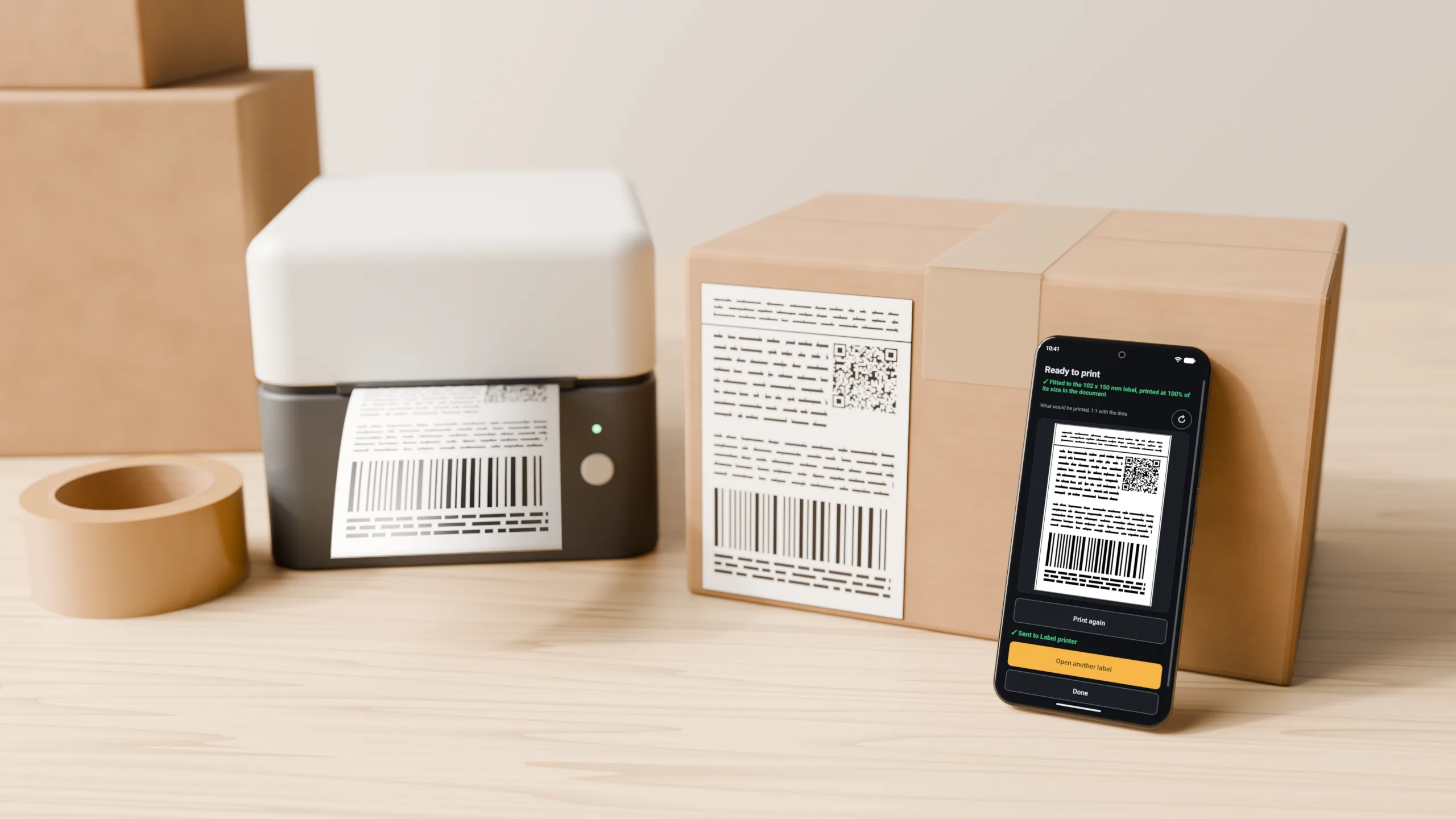
Open the label from your mail, your browser or your files. The app does the measuring.

Share the PDF to PDF Label from your mail or browser, or open it in the app. A picture or a screenshot works too.

The app finds the label on the page and frames it. Drag, pinch, or tap + and − to change what prints.

One tap sends the label to your printer. Print it again, or open the next one.

Finds the label
Most labels are found by themselves: on a full page, two to a sheet, turned on its side or on page three. Before you print, the app tells you the size the label will come out at.

Printers
PDF Label speaks ZPL, the language most thermal label printers understand, and sends the label straight to the printer. With premium it can also use Android's own printing.
Over Wi-Fi or cable. Search your network, or type the printer's address.
A label printer on your PC, shared on your network.
A portable label printer paired with your phone.
Plugged into your phone with a cable.
Any printer your phone can print to, an office printer too.
100 x 150 mm, 4 x 6 inch, 102 x 102 mm, A6 and more, or a size you type in. Printers of 152, 203, 300 and 600 dpi.

Remembers Premium
Tell the app to remember how you framed a shop's label. The next label from that shop opens already framed, even with another address and another barcode.
Privacy
Price
No purchase needed
One-time purchase, no subscription
Launch price €4.99 in the euro countries, and close to that in other currencies. Google Play shows your exact price before you pay.
Label printers that understand ZPL, as most thermal printers for shipping labels do: on your network, shared from a Windows computer, over Bluetooth or by USB cable. With premium, also any printer your phone can print to through Android's own printing. Not sure about yours? Try it, printing to a label printer is free.
Printing to your label printer is free, with the app in English. Premium is a one-time purchase, with no subscription, that adds the app in your own language, remembered printers and layouts, a backup of your settings, and Android printing to any printer your phone can print to. Launch price €4.99 in the euro countries, and close to that in other currencies. Google Play shows your exact price before you pay.
14-day refund, no questions asked; one per Google account. Press Request a refund in the app, any time within 14 days of buying. No reason needed. Refunds are approved by a person, normally within 2 working days, and the money comes back through Google Play.
Any label that comes as a PDF or as a picture. The app looks at the page, not at who made it, so it does not need to know the carrier.
No. There is no account, and you never sign in.
Only to your printer. Labels are processed on your phone and never sent to us.
Check that the label size of your printer in the app matches the labels in it. The framing screen shows the size the label will print at, before you print.
Not at the moment. PDF Label is for Android phones and tablets.

PDF Label is free on Google Play. Premium is a one-time purchase in the app.
Get it on Google Play